AllTrails Plus vs Peak: Is the Upgrade Worth It? My Honest Review
Note: Advertising is how we keep this site free for you to enjoy, and we earn a commission from affiliate links that may be included in this post. Thank you for supporting Back Road Ramblers!
I’ve been using AllTrails for a long time. Since 2010, to be precise, before I had a smartphone, and before AllTrails was one of the most-loved hiking apps in the world.
I downloaded the mobile app in 2016, as soon as I got my first iPhone; upgraded to AllTrails Plus in 2023, and have been using AllTrails Peak for the past year.
I use the AllTrails app almost every day. To scout for new trails when I’m traveling; to check trail conditions from my couch; And to figure out which way to go when I’m standing at an unmarked trail intersection. It’s one of the apps we use most when camping or traveling.
The question I want to answer in this post might be something you’ve also been wondering about: what is the difference between AllTrails, AllTrails Plus, and AllTrails Peak, and are either of the upgrades worth the money?
To save you from reading the whole article, I will say this: if you’re a hiker (or woods walker) and you’ve never used AllTrails, give it a try. I think you’ll love it! AllTrails Plus is amazing because you can download maps to use when you don’t have cell service. Peak is worth the extra upgrade if you want to create and save your own routes.
There are plenty of other features, too, but the offline maps and route creation are the ones I love best.
Get 30% off your first year of AllTrails Plus ($25.19 instead of $35.99) or AllTrails Peak ($55.99 instead of $79.99) with our referral link.
What Is AllTrails and Who Is It For?
AllTrails is a hiking, biking, and trail-running app with a database of hundreds of thousands of trails, complete with maps, user photos, reviews, and trail conditions sorted by date. It is the app most people reach for when they want to find a nearby hike, see how hard it is, and know what to expect before they head out.
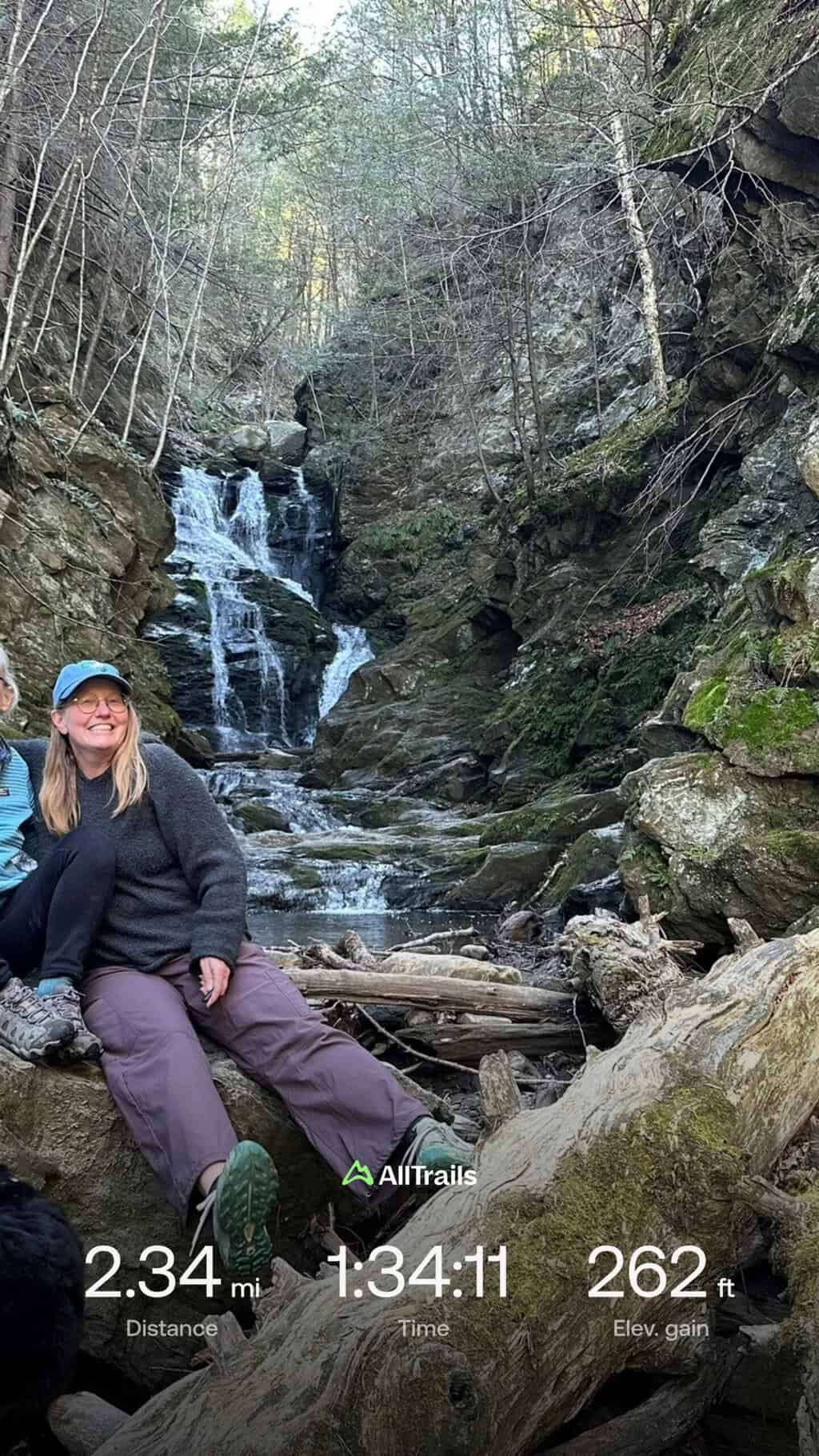
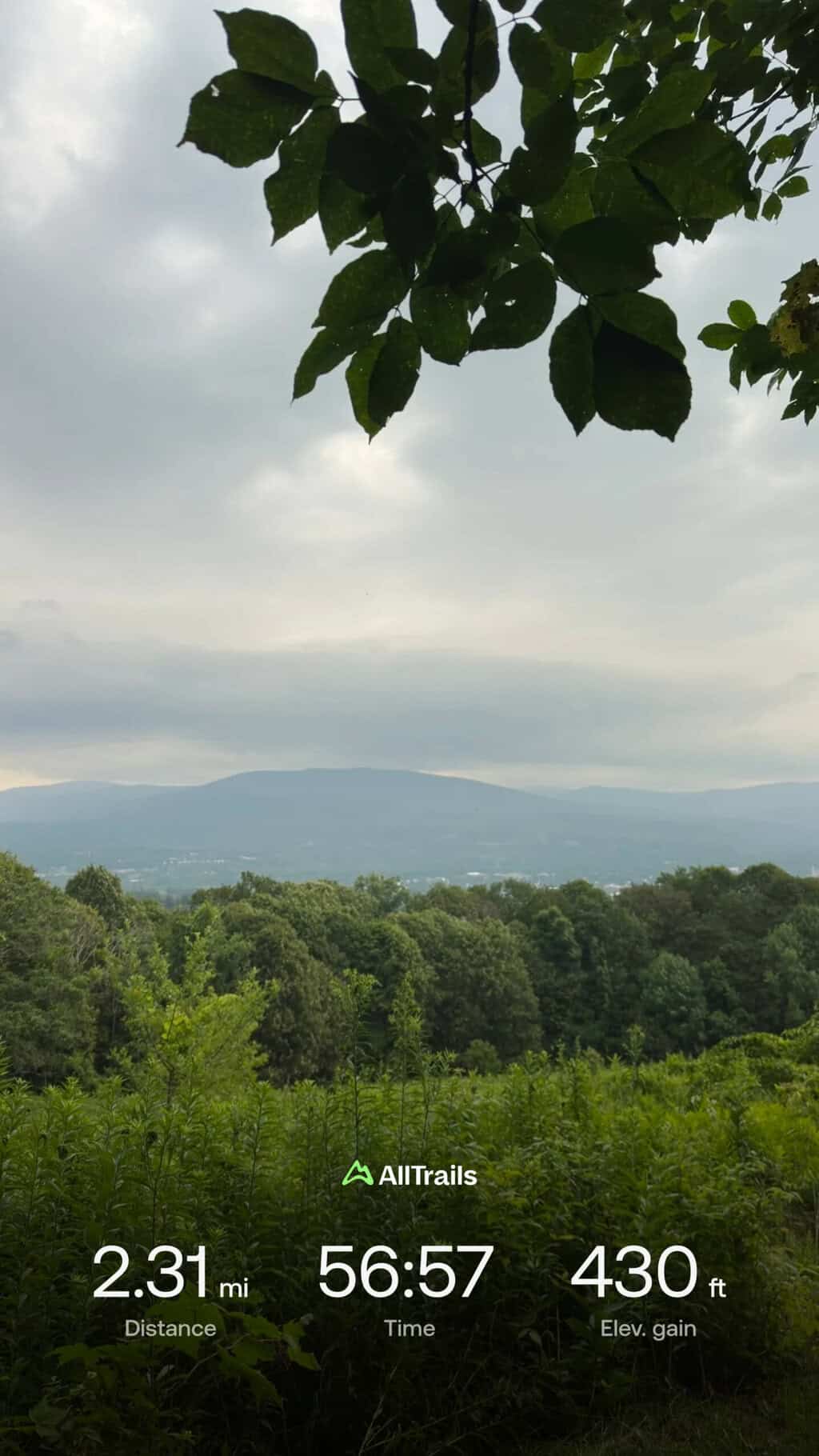
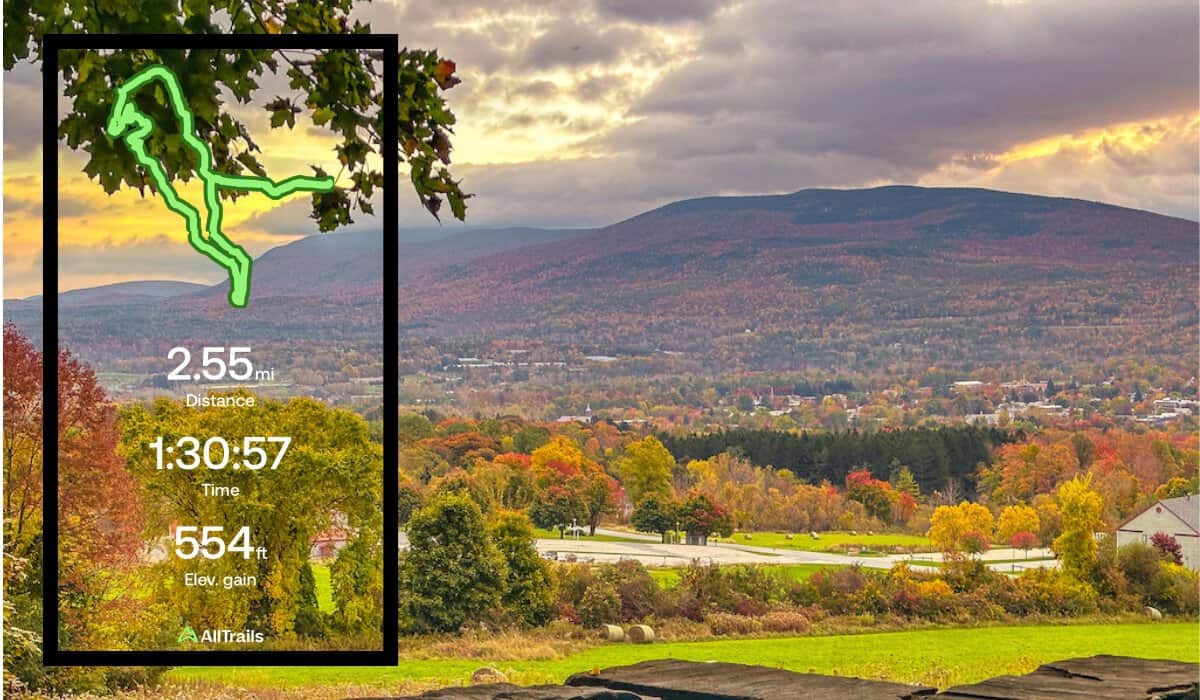
It’s also great for tracking your route as you’re hiking and keeping track of your mileage and elevation gain.
The app comes in three flavors: a free account, a paid tier called AllTrails Plus, and the newest premium tier, AllTrails Peak.
The Free Version of AllTrails
You can do a lot on the AllTrails app without paying a dime. The free account lets you search for and filter trails, read reviews and check recent photos, record your own hikes, and follow a trail using your phone’s GPS while you have cell service.
For casual, well-marked, well-connected trails close to home, the free version is often plenty, and it’s a great product for anyone getting started with hiking.
I used the free version for many years without complaint. It wasn’t until I started hiking in more remote areas farther from home that I wanted more.
The downloadable maps available on AllTrails Plus did it for me. I find trails at home, download the map, and then open it in the app at the trailhead so I know exactly where I’m going.
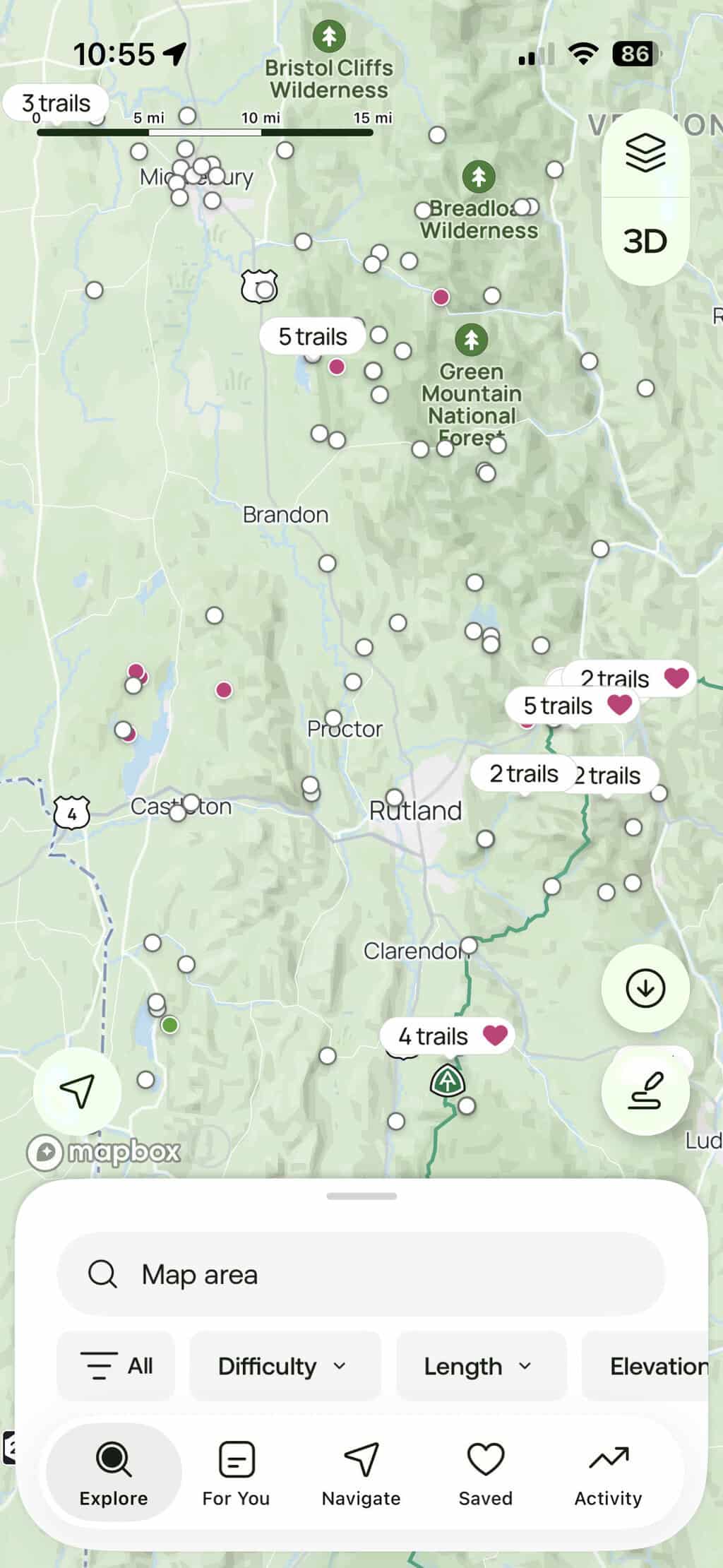
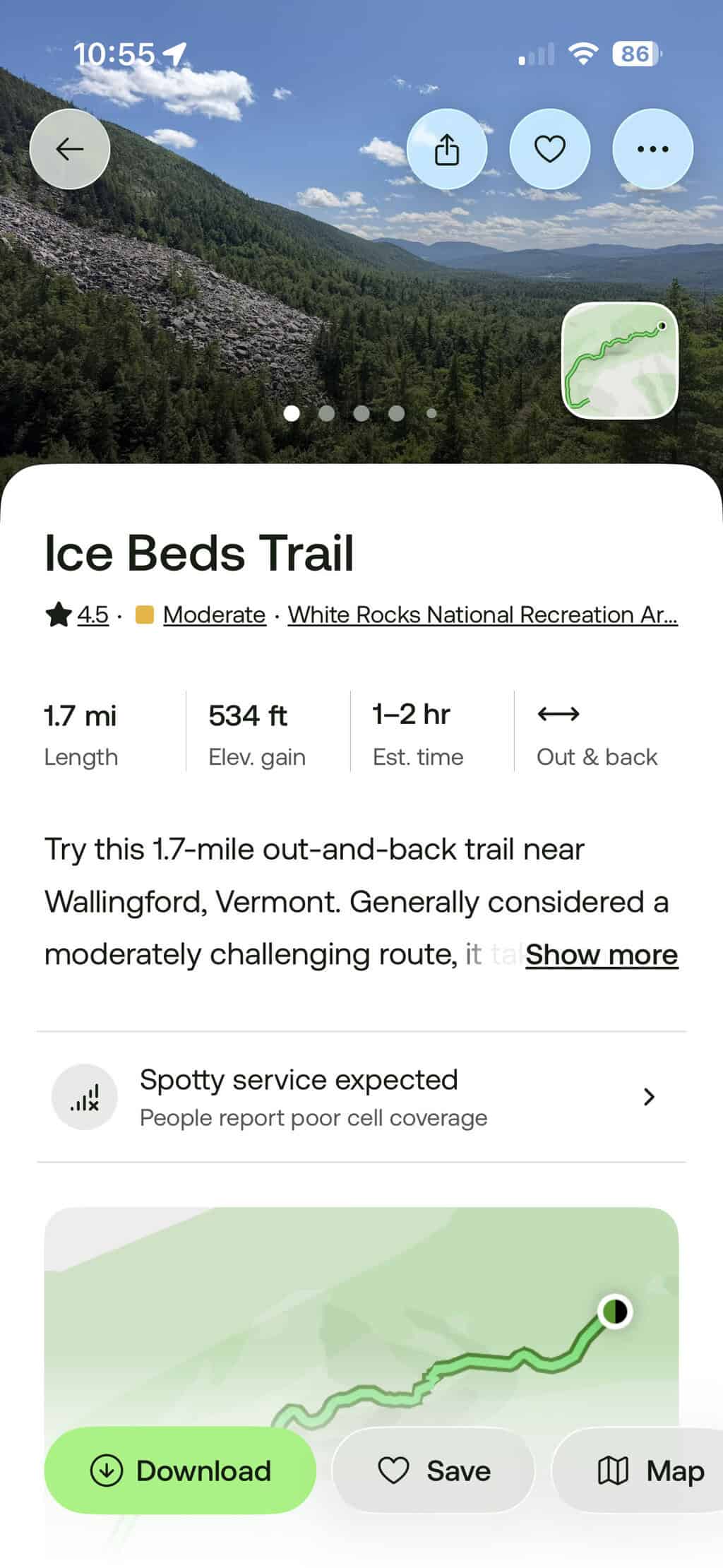
Using the AllTrails App to Find Trails and Get Hiking
Here’s a quick overview of how to get started using AllTrails to find trails and start hiking.
- Download AllTrails from the App Store or Google Play, or open alltrails.com in your browser.
- Create a free account with your email, Google, or Apple login.
- Allow location access so the app can find trails near you.
- Search for a trail using the search bar or by browsing the map. You can filter the results by difficulty, length, rating, or activity (hiking, biking, running).
- Open a trail to read its details, recent reviews, and photos from other hikers.
- Save any trail you like to a list so you can find it again later.
- When you are at the trailhead (with cell service), open the trail and tap to start navigating, then follow the blue dot along the route using your phone’s GPS.
- Record your hike so you can see your stats and keep a log of where you have been.
- After your hike, leave a review and add photos to help others looking at this trail.
AllTrails Plus vs Peak vs Free: Pricing at a Glance
Here is what each tier costs right now, and you can use our referral link to save 30% on the annual subscription fee.
Base (free): $0
AllTrails Plus: $35.99 per year ($25.19 with our link)
AllTrails Peak: $79.99 per year ($55.99 with our link)
You can also sign up for a free trial of AllTrails Plus to see if it’s something you think you’ll use long-term.
What You Get With AllTrails Plus
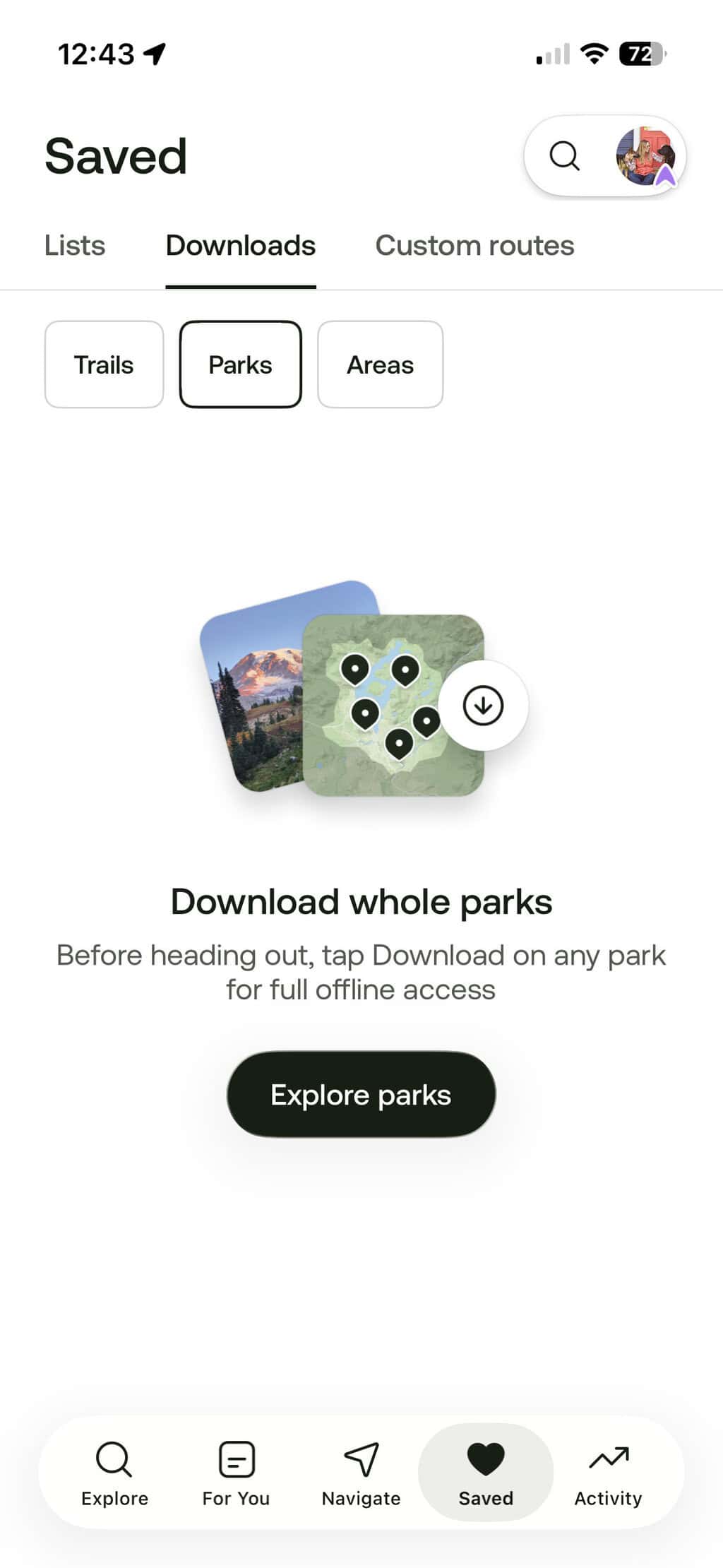
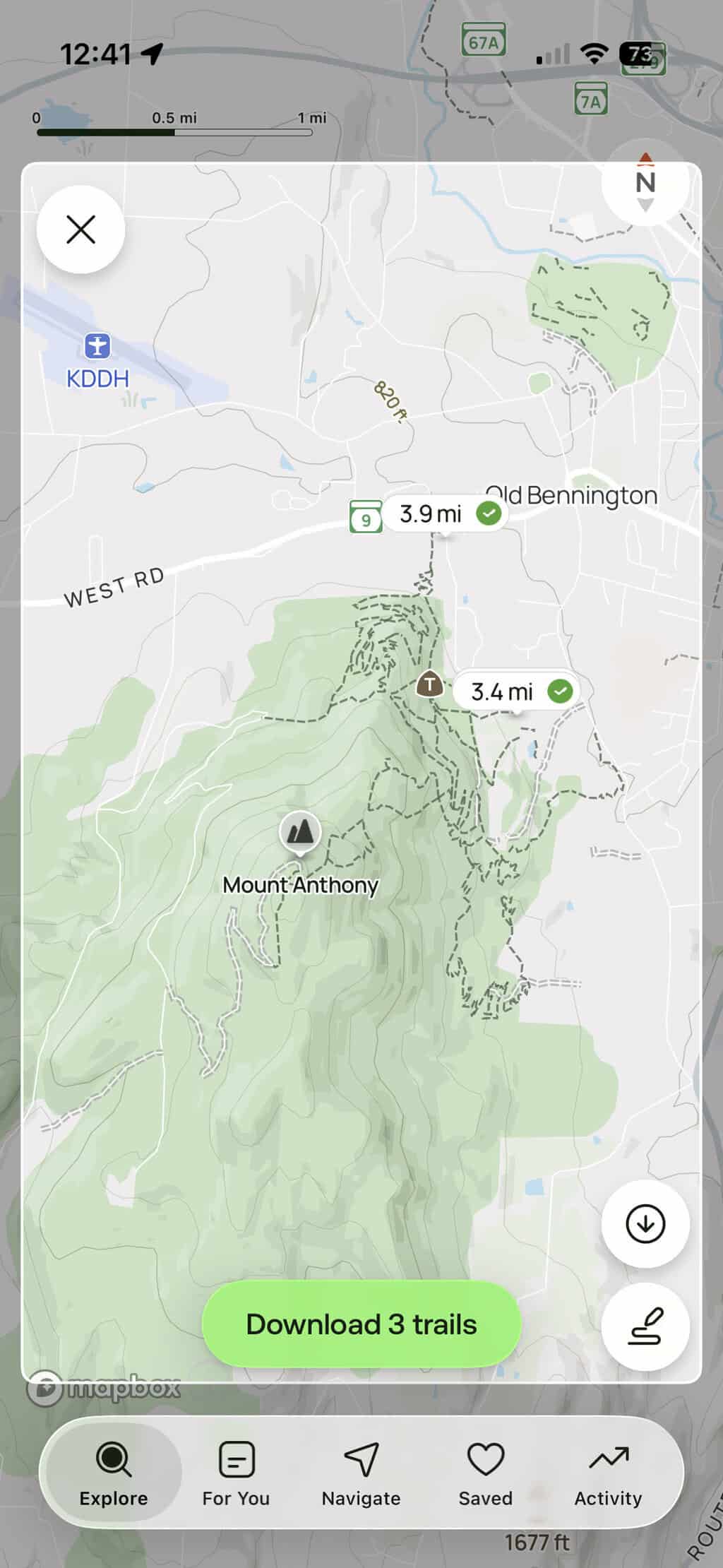
In my opinion, upgrading from the free version to AllTrails Plus gives you the most value. This version focuses on tools that make hikes safer and easier to plan. Here’s an overview of the useful features.
- Offline maps for hiking without cell service: My favorite feature! You can download maps so they work when you lose cell service (so many Vermont trails have no service). You can download a single trail, a region, or a park, giving you lots of options.
- Wrong-turn alerts to keep you on-route: If you take a wrong turn on your hike, the app buzzes your phone so you can correct course before you’re actually lost.
- 3-D terrain maps: Get an overview of your climbs before you commit to a hike, plus use customizable, printable maps with details like scale, orientation, and gridlines as a paper backup.
- LiveShare: A real-time location sharing service so you can stay connected with friends and family when you’re hiking solo. This can be turned on at the trailhead, but you do need cell service for it to be reliable.
- Wearable integration: Sync routes with your Garmin or COROS watches.
- Member discounts: Save up to 50% on brands like Matador, Backcountry, Expedia, Rumpl, Stio, and more. I haven’t taken advantage of these deals yet.
What You Get With AllTrails Peak
Peak includes everything in the free and Plus versions, then adds a set of planning and discovery tools to elevate your experience.
Custom Routes: Build Your Own Trail
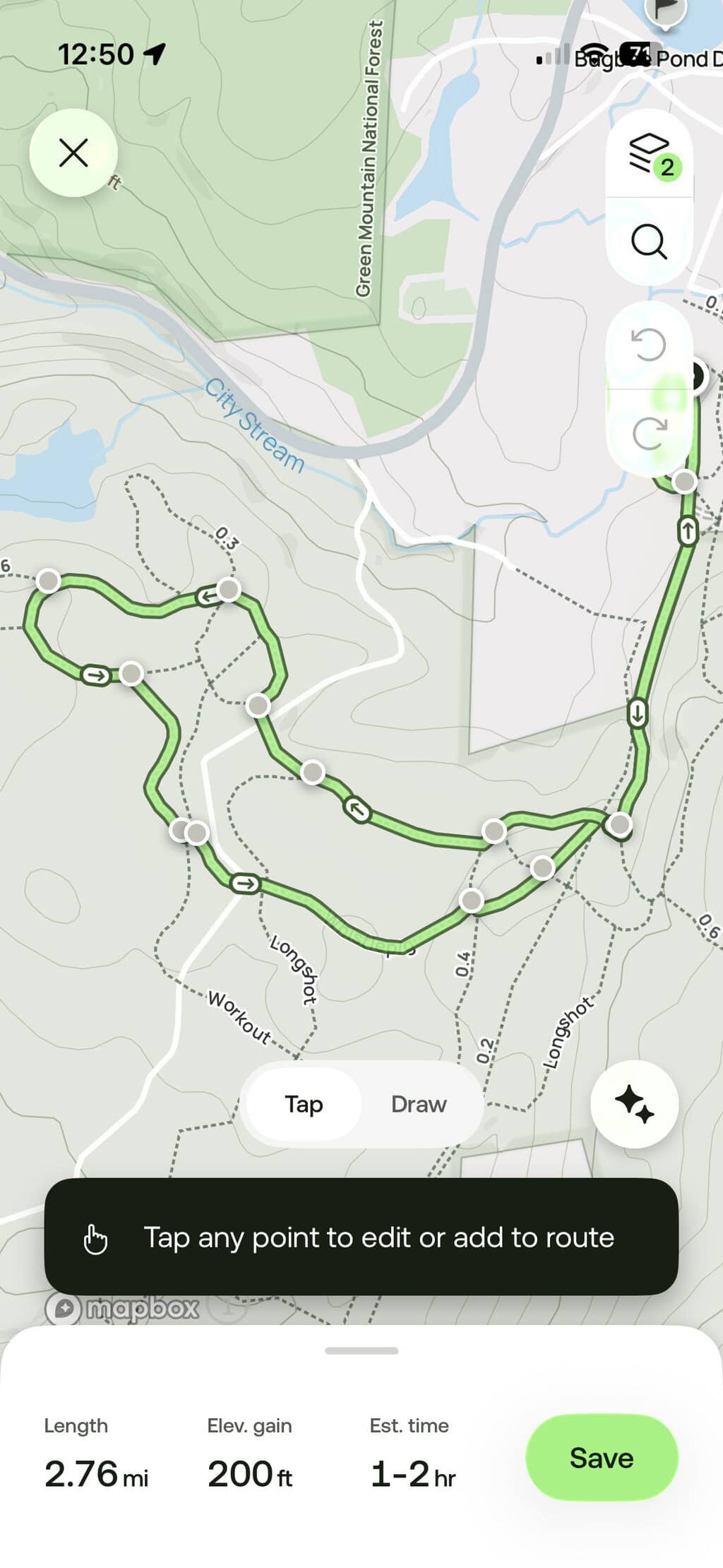
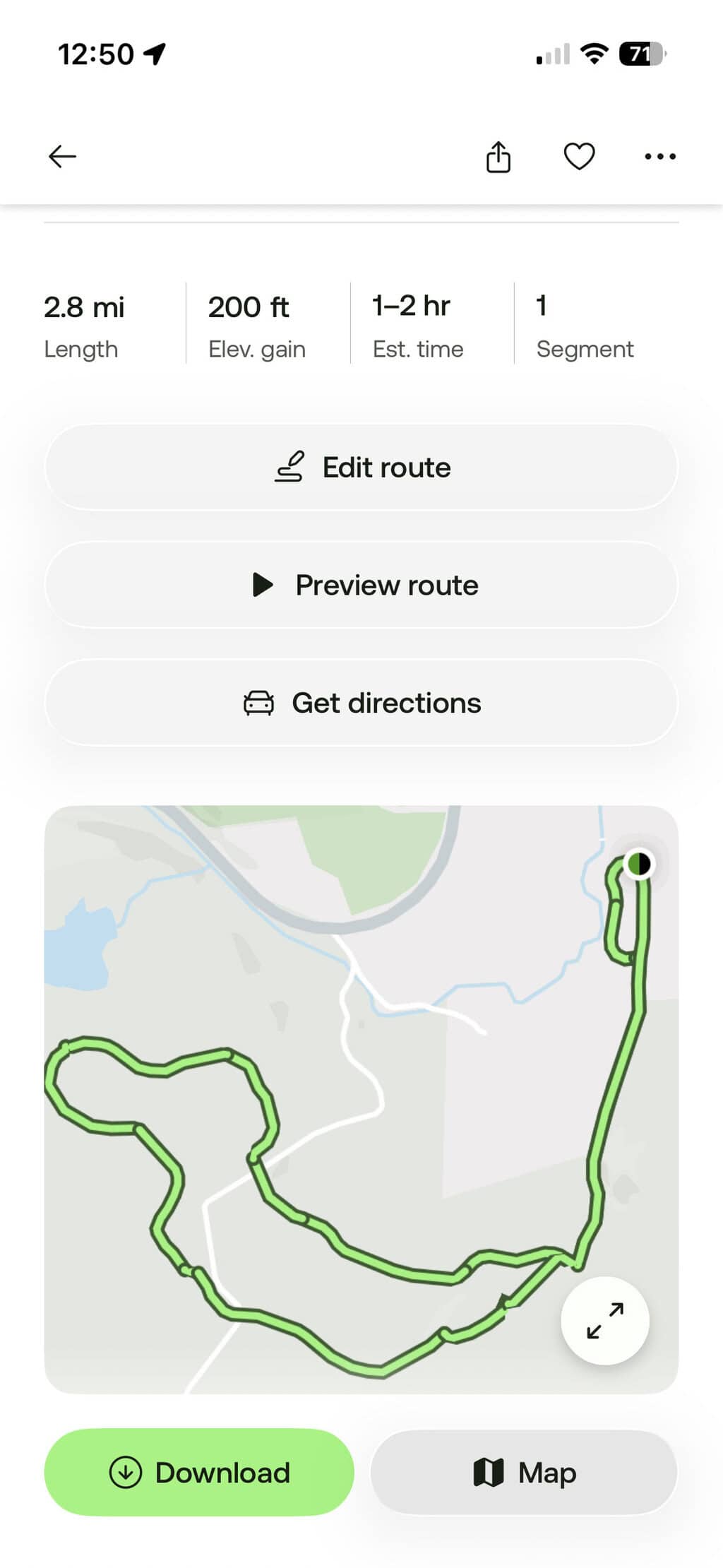
With Peak, you can create your own route from scratch or stitch together existing trails and roads, then modify and optimize it inside the app. This is my favorite feature of Peak: it lets you create your own route instead of relying on preloaded trails.
The AllTrails database includes thousands of trails, but not every configuration, especially when there are many loops and route options in a single area. Instead of guessing, I can plan the exact route I want to take, download it to use offline, and use it to find my way on the trail.
I created the custom cross-country ski route above so I could ski the same loop over and over and track my time as I improved.
There are some limitations to route building. When creating a route between two points, it will ‘snap’ to known trails and roads. That means that creating an off-trail route is difficult.
More Peak Features Worth Exploring
- Community Heatmaps: Find the Crowds (or Escape Them): Heatmaps show where people hike, based on a year of user activity. Use them to find popular routes or to dodge crowds. I admit I don’t often use this feature, as it’s based on data from people hiking with the AllTrails app, which means the data isn’t entirely accurate.
- Trail Conditions: Peak map overlays show detailed trail conditions along your route: temperature and “feels like,” precipitation, snow depth, wildfires, and land boundaries.
- Outdoor Lens: Even though I love the idea of this feature, I haven’t tried it yet. Apparently, you can point your camera at a plant, insect, or tree, and Peak will try to identify it for you. Your photo gets saved in your personal logbook so you can view it later.
AllTrails Plus vs Peak: Which One Should You Get?
AllTrails Plus is worth its weight in gold for the offline maps and the LiveShare feature. Use our referral link to get a full year for $25.19 (instead of $35.99).
AllTrails Peak is obviously more of an investment and worth it if you want to build custom routes or want the map overlays for trail conditions. I could live without these features, but they are nice to have when I need them.
Is AllTrails Peak Worth It? My Verdict
I upgraded from Plus to Peak about a year ago, and while I’m enjoying it so far, there are lots of features I’ve never used. Will I continue after my year is up? I haven’t decided yet, but I will never be without AllTrails Plus; that’s a promise.
Follow us on social media for more outdoor inspiration!